Windows-Specific Instructions
After registering the AMD account, you can download the unified installer for windows:
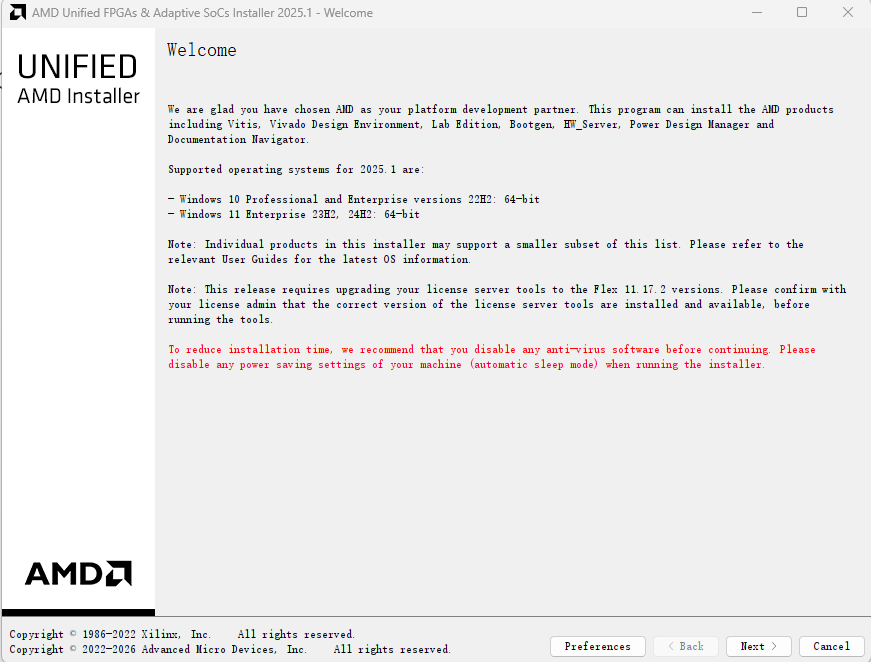
Open the installer
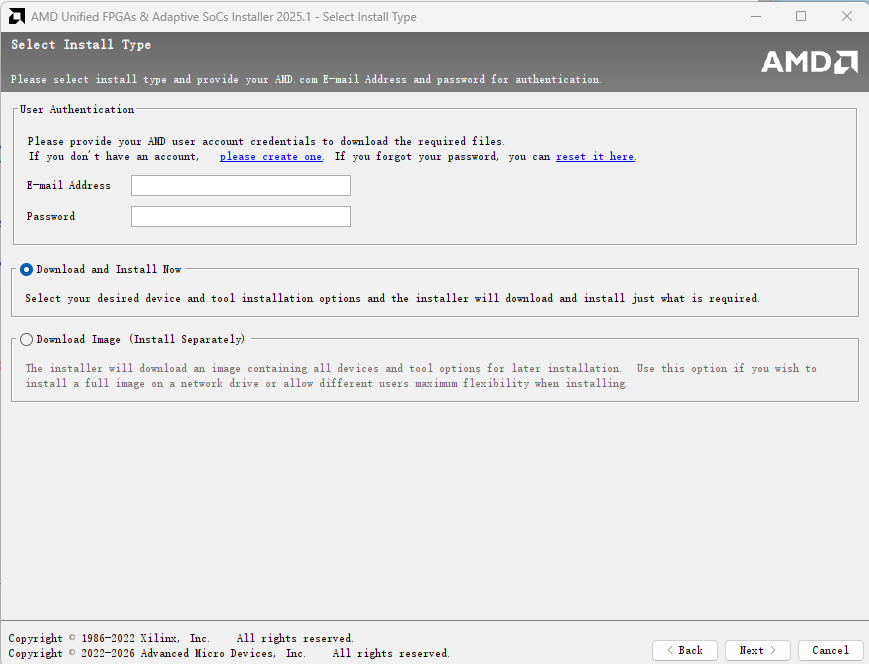
Enter your account and password:
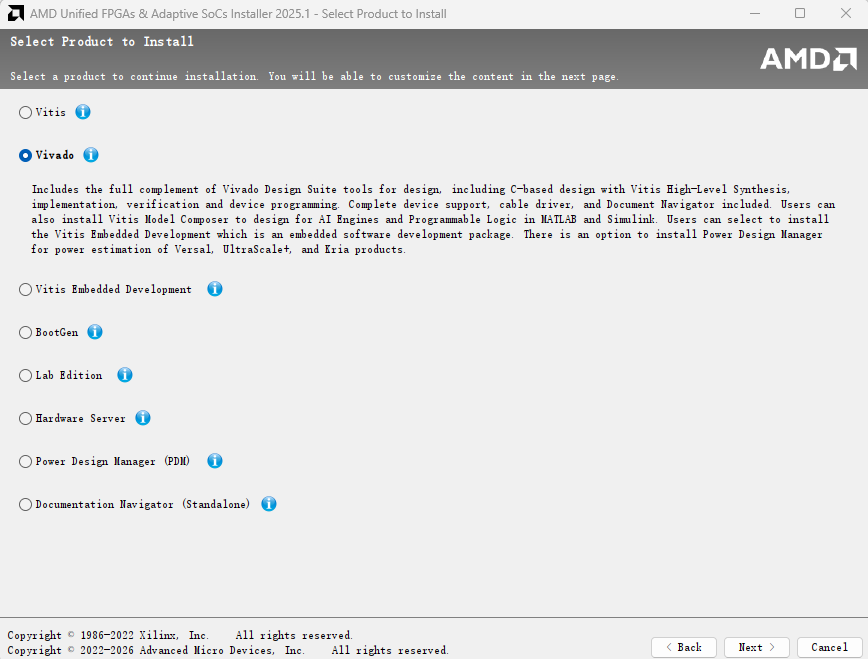
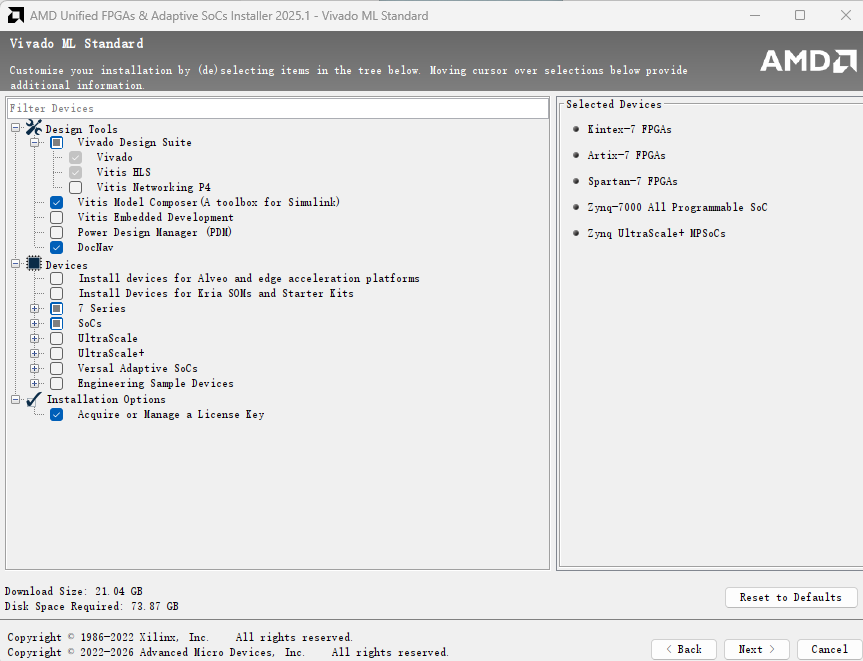
To install the complete Vitis and Vivado, select Vivado to install and then add-on vitis:
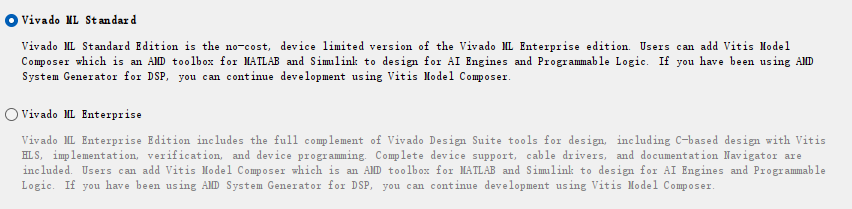
Select the standard version
Select device(SoCs & 7 Series) to install
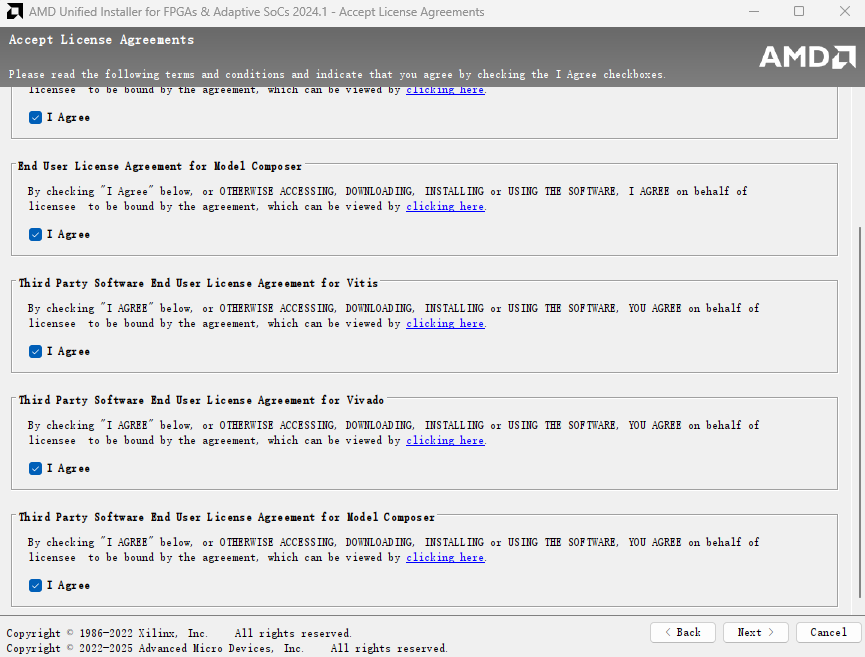
Agree all:
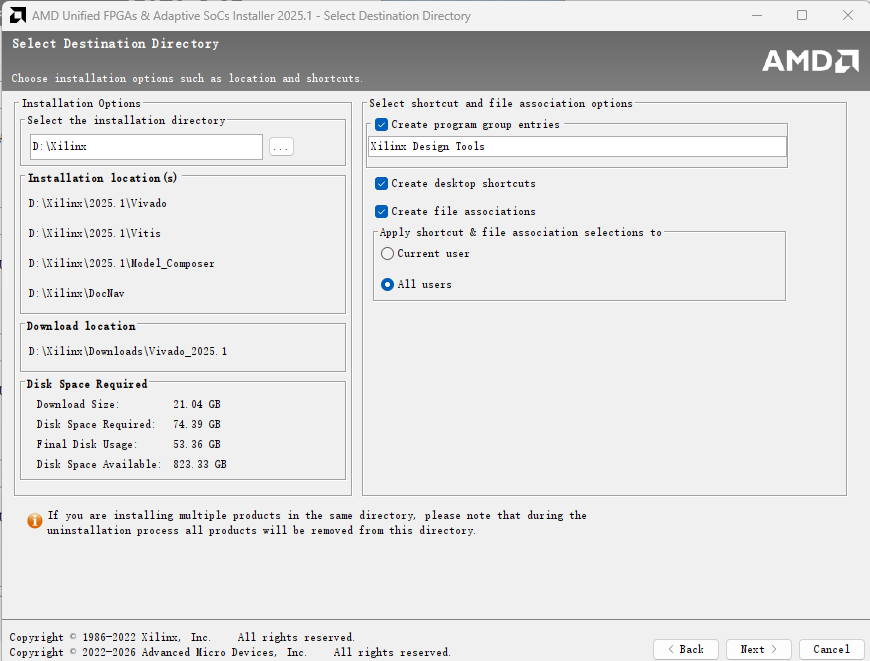
Set your install location
Check the Installation Summary:

Start the Installation, will take a while:
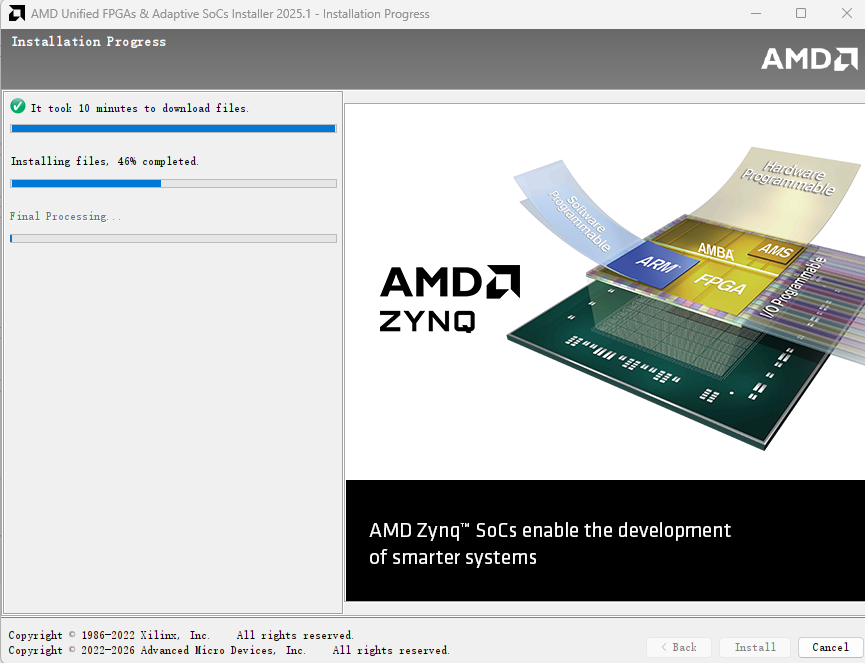
When it prompts to add the license, download the license file on the website
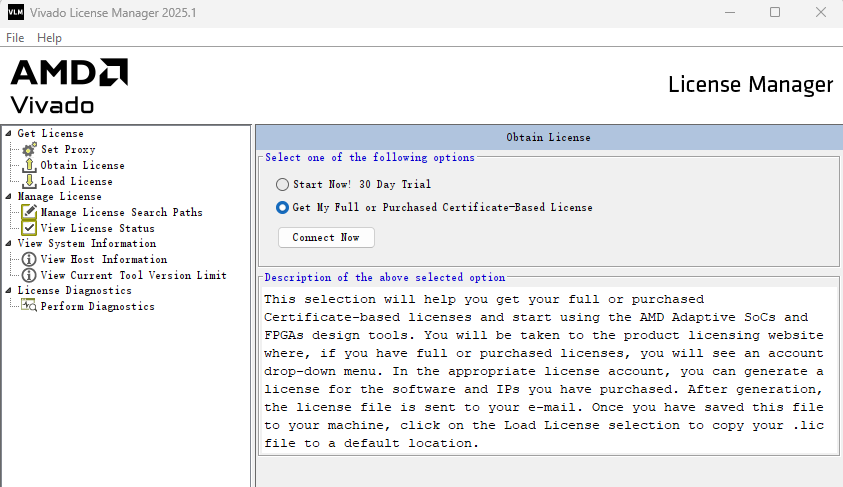
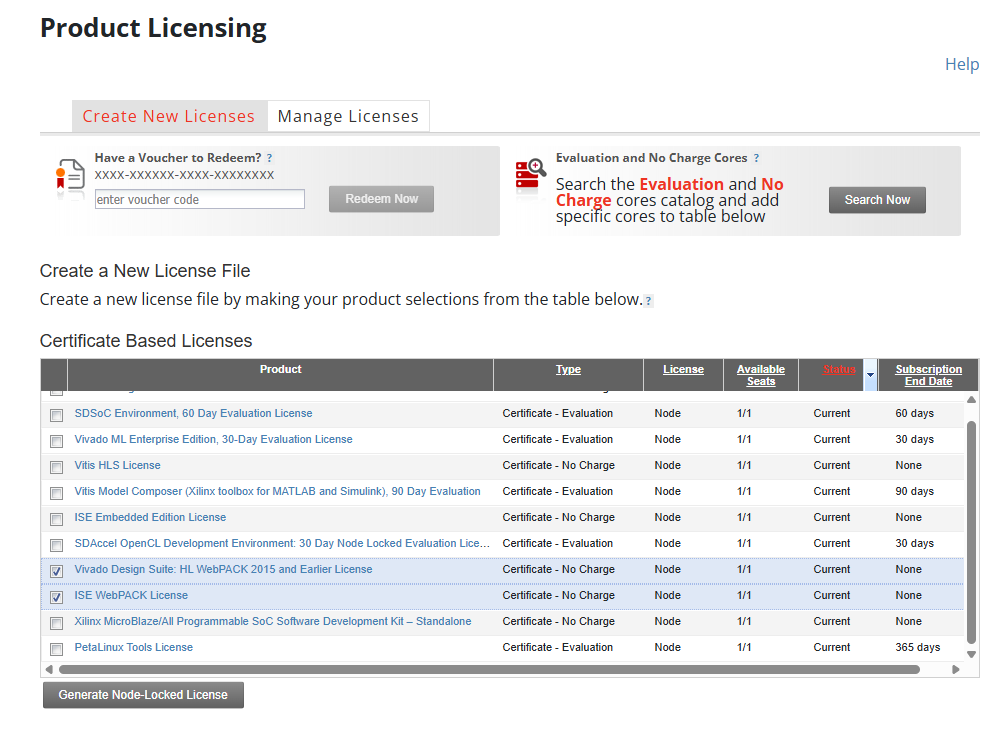
Click “Load License” in the left bar
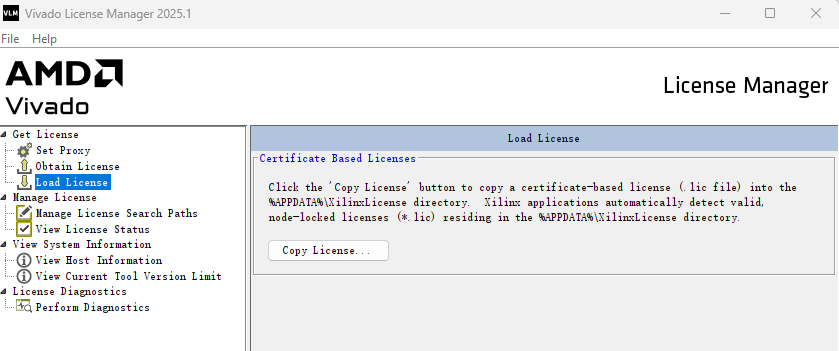
And then select “copy the licenses”, where you select the downloaded “Xilinx.lic” file.
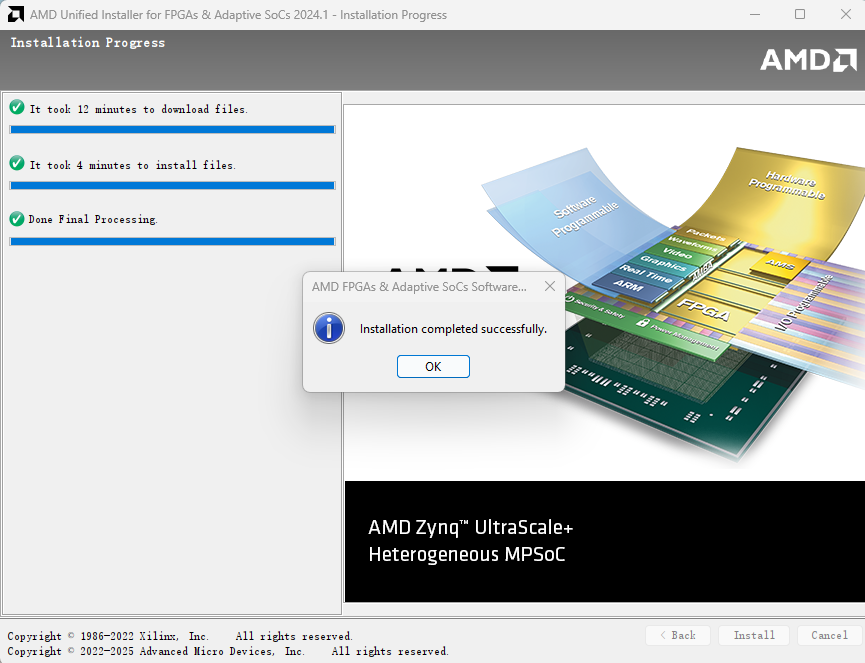
Successfully Installed:
Next: Go to launching Vitis and Vivado